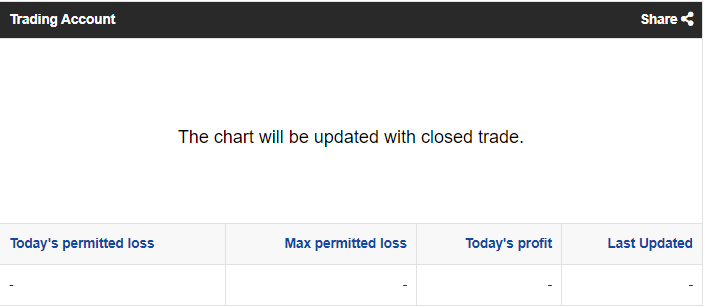
When you log in to your Client Area and click on your login number, you will find your:
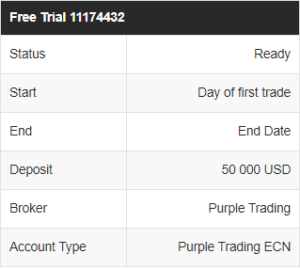
I. Account Parameters
- Account category – Free Trial, Challenge, Verification or Funded Account
- Login number
- Account status – Ready, Active, Ended
- Start date – Date when your first trade is placed on the account
- End date
- Account capital
- Name of broker
- Type of account
II. Account Performance table
- Account’s Equity Flow Chart – this chart will start updating upon your first closed trade on the account.
- Today’s permitted loss – shows the allowable losses for the day.
- Maximum permitted loss – shows the allowable losses for the whole duration of the account
- Today’s Profit
- Date and Time of the last account update