


TradingView is Now Available as a Platform Option at FTMO
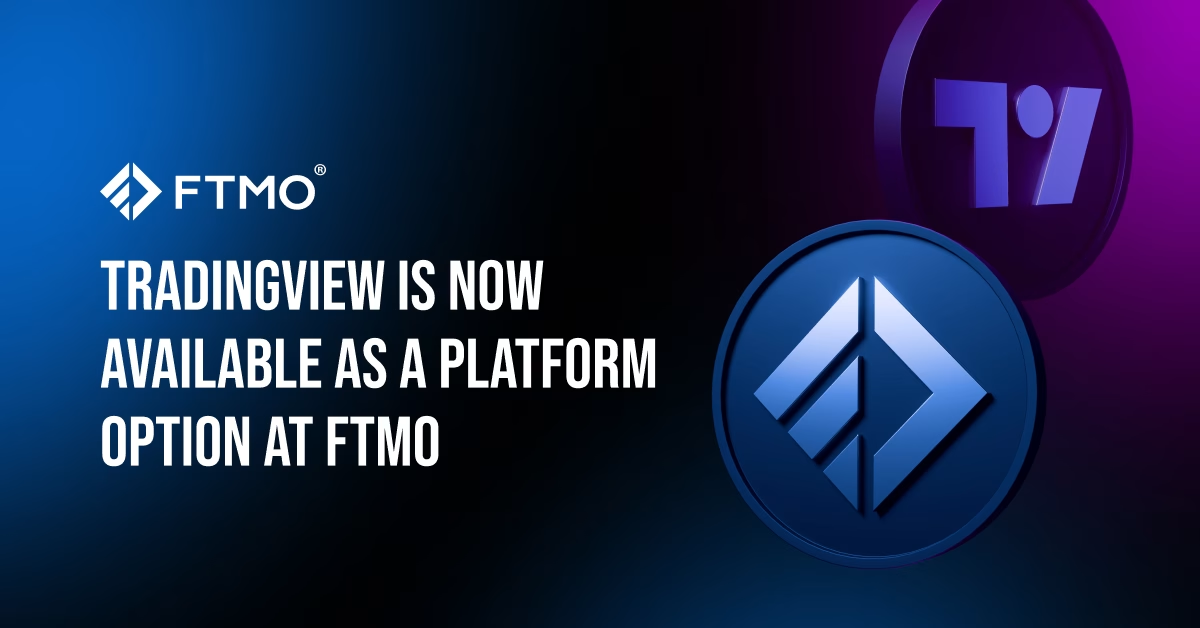
At FTMO, we regularly evaluate our infrastructure to provide traders with reliable tools that align with their trading strategies. Based on feedback from our community, we have officially added TradingView as a platform option for your FTMO Challenge, Verification, and FTMO Account.
This integration allows you to execute trades directly from the TradingView interface, bridging the gap between your technical analysis and order execution.
What TradingView Offers: Practical Tools for Traders
To help you decide if this platform suits your trading style, here is a breakdown of the specific, practical features you can utilise inside TradingView to manage your FTMO Challenge:

1. Visual Risk Management & Direct Execution
One of the most practical benefits of this integration is the ability to handle orders directly on the chart.
- Visual TP/SL Adjustments: Once in a trade, you can drag your Take Profit and Stop Loss lines directly on the chart to adjust them to specific price levels or structural lows/highs.
- Position Tool Integration: Before entering, you can use the built-in Long/Short Position tool to measure your exact reward-to-risk ratio.
- Quick Order Placement: You can simply right-click anywhere on the chart at your desired price level to instantly place limit or stop orders.
2. Advanced Chart Layouts & Bar Replay
For traders who monitor multiple timeframes or correlated assets, TradingView provides robust workspace management.
- Multi-Chart Layouts: You can split your screen to display up to 8 charts in a single window, synchronising the symbol, interval, or crosshair across all of them.
- Bar Replay Tool: If you want to practise your strategy over the weekend, the Bar Replay tool allows you to hide future price action and manually backtest bar-by-bar using historical data.
- Cloud Templates: All your templates, saved layouts, and drawings are automatically saved to the cloud, meaning you can seamlessly switch from your desktop application to your web browser or mobile app.

3. In-Depth Technical & Volume Analysis
TradingView comes equipped with a massive library of native tools that go beyond basic moving averages.
- Volume Profile: Essential for many FTMO Traders, the Volume Profile tools (Fixed Range, Visible Range, Session Volume) help identify the Point of Control (POC) and value areas where liquidity is concentrated.
- Smart Drawing Tools: Access over 100 drawing tools, including complex Fibonacci extensions, Gann fans, and Elliot Wave patterns. Drawings can be locked or synchronised across multiple layouts.
4. Custom Alerts & Pine Script™ Automation
Staring at charts all day can lead to fatigue. TradingView helps you automate your screen time.
- Dynamic Alerts: You can set server-side alerts not just on price levels but on specific indicator crosses or even when price breaks a manually drawn trendline.
- Pine Script™: If you have a specific system, you can use Pine Script™ to code your own custom indicators or use thousands of community-created scripts to highlight specific candlestick patterns or conditions.
5. Efficient Market Screening
Keep your workflow centralised without needing multiple third-party websites.
- Advanced Watchlists: Create custom watchlists, flag instruments with different colours, and categorise your favourite pairs.
- Integrated Economic Calendar: You can display upcoming macroeconomic news events directly on your chart’s X-axis, ensuring you never accidentally trade into a high-impact news release without knowing.
How to Select TradingView
Choosing TradingView for your trading process is straightforward. When configuring your next FTMO Challenge, simply select TradingView from the platform dropdown menu. Once your account is processed, you will receive the necessary credentials to connect your FTMO Challenge within the TradingView platform interface.
Note: If you are currently trading on another platform and wish to switch to TradingView, platform changes can typically be requested for your next phase or billing cycle, subject to our standard procedures.

Integrate TradingView into Your Trading Plan
We aim to provide an environment where you can focus entirely on your performance, psychology, and discipline. If TradingView’s comprehensive analytical tools align with your strategy, you can now utilise them seamlessly within the FTMO ecosystem.
All information provided herein is intended solely for educational purposes related to trading on financial markets and does not constitute investment advice or serve in any way as a specific investment recommendation. Please read the full disclosure here.



- As many Free Trials as you need
- Up to $200,000 account
- No time limit

- Unlimited Evaluation Accounts
- Trade with up to 3 Sim-Funded accounts
- Up to $450,000 in simulated capital
- Keep up to 90% of your simulated profits



Worldwide Reviews